
Tags: Standalone
Version: 1.0.0
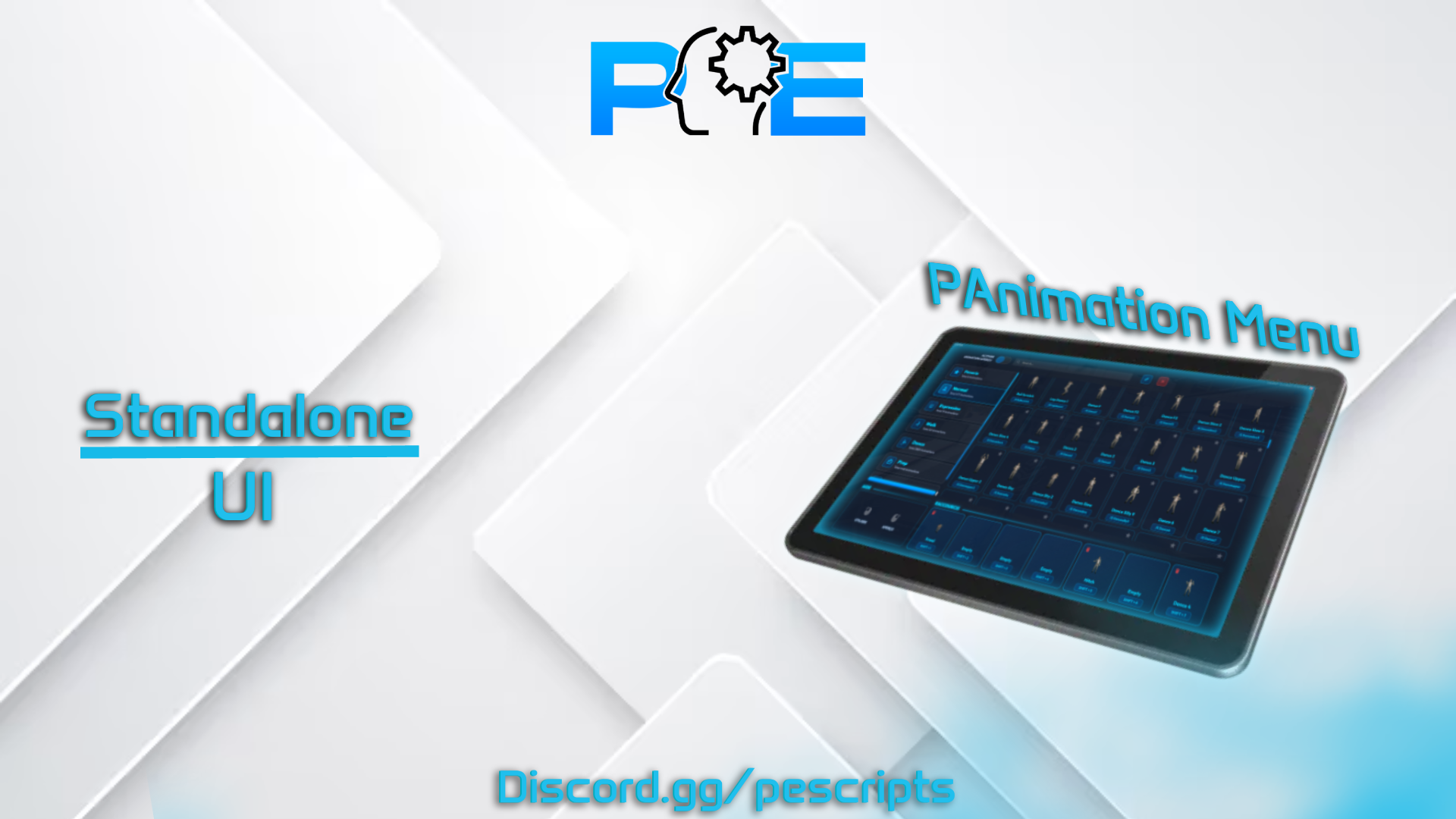
PAnimationMenu is a modern and highly customizable emote menu for FiveM servers. It provides players with a smooth UI interface to browse, preview, and play animations in real-time, with advanced interaction systems and full customization. Perfect for RP servers looking for a clean, responsive, and immersive animation experience.
Standalone
Optional: ESX, QBCore
Fully configurable animation menu UI
Real-time emote preview with dynamic camera system
Shared emote system with nearby players (invite, accept, decline)
Smooth animation system with instant cancel support
Built-in pointing system and ragdoll feature
Customizable keybinds for all interactions
Option to allow or restrict animations in vehicles
Integrated notification system (ESX by default, QBCore compatible)
Optimized and lightweight for best performance
Works in standalone and with ESX / QBCore frameworks
Menu key: F7
Language system: configurable (default FR)
Camera preview distances: close, medium, far, cinematic, first person
Shared emote distance configuration
Animation allowed in vehicles: true / false
Custom notification function support
Shortcut key to replay animation: SHIFT
Cancel animation key: X
Shared animation keys: Y (accept), N (decline)
Pointing system: command /point, key B
Ragdoll system: command /ragdoll, key U
Display settings: show all images or only on hover
PAnimationMenu supports displaying the following features dynamically:
Real-time animation preview with camera control
Shared animation requests between players
Quick animation execution via shortcuts
Instant cancel system with fallback actions
Clean UI with optional image display
PAnimationMenu is a complete, optimized, and easy-to-use animation menu for FiveM servers. It is fully configurable, supports standalone usage, includes advanced interaction systems, and delivers a modern UI experience. Perfect for RP servers seeking a smooth and immersive emote system.
Documentation: Documentation
Preview: [PAID] PAnimationMenu Script FiveM ESX/QB