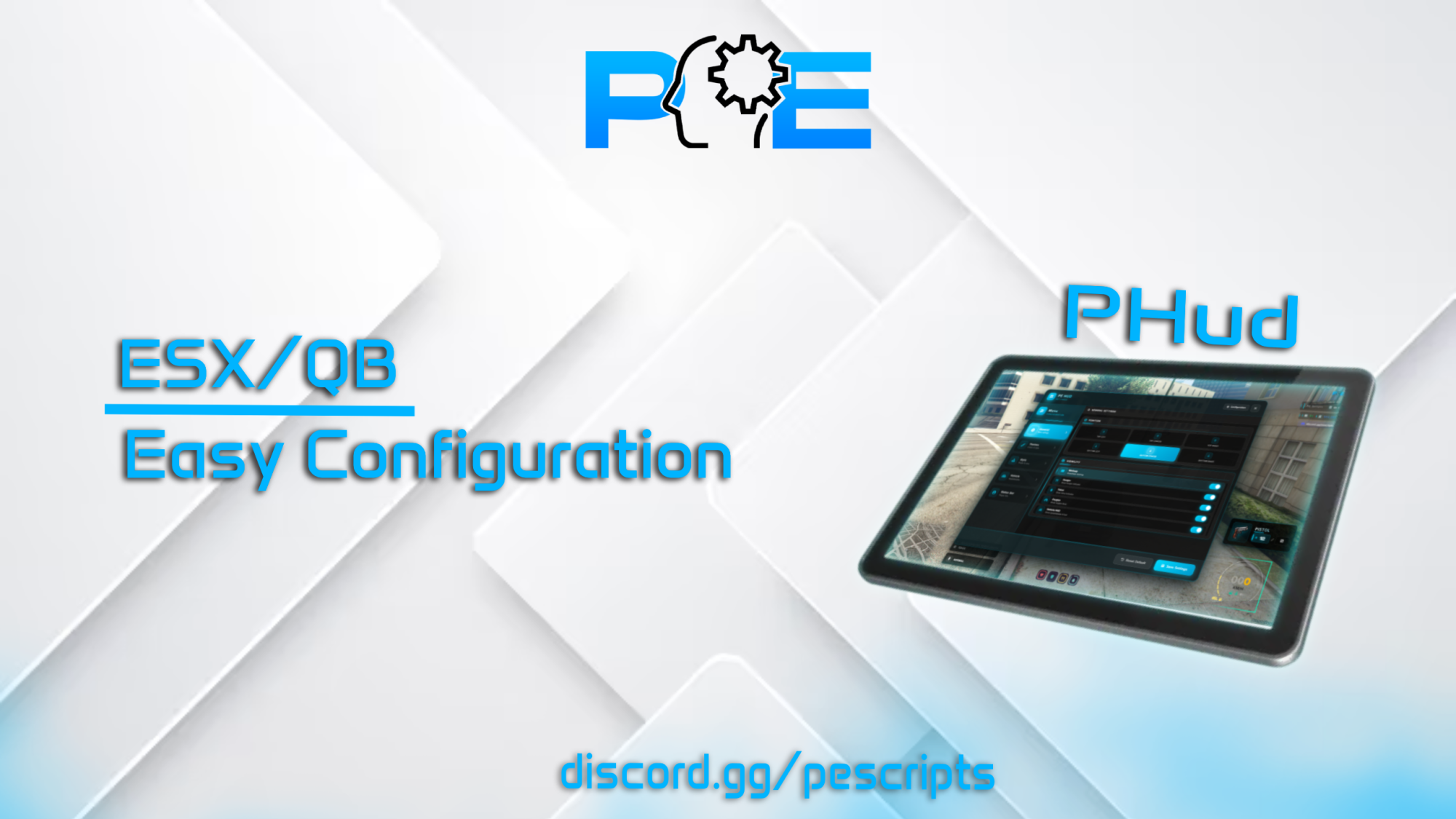
<h1>PHUD – Player HUD System for FiveM</h1>
<p>Tags: ESX, QBCore<br />
Version: 1.0.1</p>
<p>PHUD is a fully-featured, highly configurable <strong>player HUD system</strong> for FiveM servers. It provides players with <strong>real-time status displays</strong>, vehicle info, weapon info, minimap control, and advanced customization options. Perfect for RP servers looking for a sleek, responsive, and fully integrated HUD.</p>
<hr />
<h2>🔧 Dependencies</h2>
<ul>
<li>
<p>ESX, QBCore</p>
</li>
<li>
<p>oxmysql</p>
</li>
</ul>
<hr />
<h2>🧰 Features</h2>
<ul>
<li>
<p>Fully configurable <strong>HUD display</strong> for player stats</p>
</li>
<li>
<p>Displays <strong>hunger, thirst, oxygen, cash, bank balance, weapon info, seatbelt, radio frequency</strong>, and more</p>
</li>
<li>
<p>Vehicle HUD with <strong>speedometer, fuel gauge, and engine health</strong></p>
</li>
<li>
<p>Supports <strong>KM/H or MPH</strong></p>
</li>
<li>
<p>Configurable HUD <strong>themes, shapes, and positions</strong></p>
</li>
<li>
<p><strong>Customizable keybinds</strong> to open settings or toggle the HUD</p>
</li>
<li>
<p><strong>Automatic minimap detection and offset adjustments</strong></p>
</li>
<li>
<p>Integration with <strong>Discord</strong> to display server invite link</p>
</li>
<li>
<p>Admin command support to manage HUD (<code>/pehud</code>) reset settings</p>
</li>
<li>
<p><strong>Weapon images</strong> for all major firearms and melee weapons</p>
</li>
<li>
<p>Works with <strong>multiple framework setups</strong>: ESX, QBCore</p>
</li>
</ul>
<hr />
<h2>⚙️ Configuration Options</h2>
<ul>
<li>
<p>Framework selection: <code>auto / esx / qb</code></p>
</li>
<li>
<p>Language support: <code>en / fr / de / es / ru / zh</code></p>
</li>
<li>
<p>Theme options: <code>clean, darkness, neon, ocean, sunset, forest, blood, royal</code></p>
</li>
<li>
<p>HUD position options: <code>top-left, top-center, top-right, bottom-left, bottom-center, bottom-right</code></p>
</li>
<li>
<p>Shape options: <code>square, rounded, circle, diamond, hexagon</code></p>
</li>
<li>
<p>Speedometer style: <code>minimal, circle, digital</code></p>
</li>
<li>
<p>Status bar style: <code>clean, shadow, outline, neon, gradient</code></p>
</li>
<li>
<p>Status bar animation: <code>none, pulse, glow</code></p>
</li>
<li>
<p>Vehicle fuel and engine display options</p>
</li>
<li>
<p>Integration with multiple <strong>needs/fuel/voice systems</strong></p>
</li>
<li>
<p>Settings saving per-player via <strong>KVP</strong></p>
</li>
</ul>
<hr />
<h2>🔐 Admin & Permissions</h2>
<ul>
<li>
<p>Access restricted to <strong>admin, superadmin, god</strong> groups</p>
</li>
<li>
<p>Configurable admin command: <code>/pehud</code></p>
</li>
<li>
<p>Custom permission functions supported for advanced setups</p>
</li>
</ul>
<hr />
<h2>🔔 Display Options</h2>
<p>PHUD supports displaying the following info dynamically:</p>
<ul>
<li>
<p>Hunger, Thirst, Oxygen</p>
</li>
<li>
<p>Cash, Bank balance, Player ID</p>
</li>
<li>
<p>Vehicle HUD (speed, fuel, engine)</p>
</li>
<li>
<p>Weapon HUD (ammo, type)</p>
</li>
<li>
<p>Seatbelt status</p>
</li>
<li>
<p>Radio frequency</p>
</li>
</ul>
<hr />
<h2>🧾 Summary</h2>
<p>PHUD is a <strong>complete, secure, and easy-to-use HUD system</strong> for FiveM servers. It is fully configurable, supports multiple frameworks, vehicle and player stats, minimap adjustments, Discord integration, and admin controls. Perfect for RP servers seeking a modern and fully-featured HUD experience.</p>
<hr />
<h2>📘 <strong>Documentation & Support</strong></h2>
<p><strong>Documentation:</strong> <a href="https://docs.pescripts.com">Documentation</a><br />
<strong>Preview</strong>: <a href="https://www.youtube.com/watch?v=jsZEEGn975o">[PAID] PHud Script FiveM ESXX/QB</a></p>
<h1>PAnimationMenu – Emote Menu UI for FiveM</h1>
<p>Tags: Standalone</p>
<p>Version: 1.0.0</p>
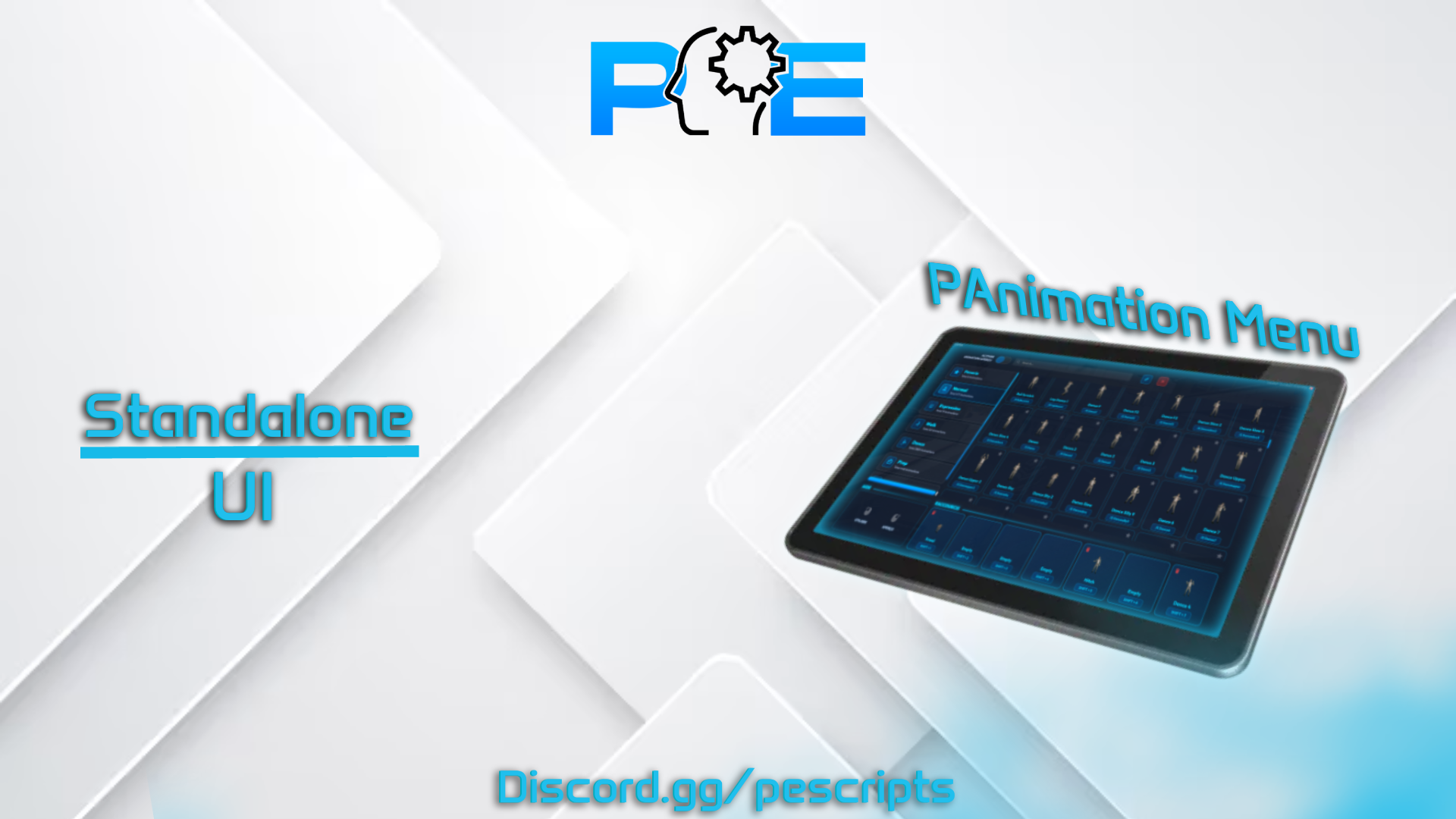
<p>PAnimationMenu is a modern and highly customizable emote menu for FiveM servers. It provides players with a smooth UI interface to browse, preview, and play animations in real-time, with advanced interaction systems and full customization. Perfect for RP servers looking for a clean, responsive, and immersive animation experience.</p>
<h2>🔧 Dependencies</h2>
<ul>
<li>
<p>Standalone</p>
</li>
<li>
<p>Optional: ESX, QBCore</p>
</li>
</ul>
<h2>🧰 Features</h2>
<ul>
<li>
<p>Fully configurable animation menu UI</p>
</li>
<li>
<p>Real-time emote preview with dynamic camera system</p>
</li>
<li>
<p>Shared emote system with nearby players (invite, accept, decline)</p>
</li>
<li>
<p>Smooth animation system with instant cancel support</p>
</li>
<li>
<p>Built-in pointing system and ragdoll feature</p>
</li>
<li>
<p>Customizable keybinds for all interactions</p>
</li>
<li>
<p>Option to allow or restrict animations in vehicles</p>
</li>
<li>
<p>Integrated notification system (ESX by default, QBCore compatible)</p>
</li>
<li>
<p>Optimized and lightweight for best performance</p>
</li>
<li>
<p>Works in standalone and with ESX / QBCore frameworks</p>
</li>
</ul>
<h2>⚙️ Configuration Options</h2>
<ul>
<li>
<p>Menu key: F7</p>
</li>
<li>
<p>Language system: configurable (default FR)</p>
</li>
<li>
<p>Camera preview distances: close, medium, far, cinematic, first person</p>
</li>
<li>
<p>Shared emote distance configuration</p>
</li>
<li>
<p>Animation allowed in vehicles: true / false</p>
</li>
<li>
<p>Custom notification function support</p>
</li>
<li>
<p>Shortcut key to replay animation: SHIFT</p>
</li>
<li>
<p>Cancel animation key: X</p>
</li>
<li>
<p>Shared animation keys: Y (accept), N (decline)</p>
</li>
<li>
<p>Pointing system: command /point, key B</p>
</li>
<li>
<p>Ragdoll system: command /ragdoll, key U</p>
</li>
<li>
<p>Display settings: show all images or only on hover</p>
</li>
</ul>
<h2>🔔 Display Options</h2>
<p>PAnimationMenu supports displaying the following features dynamically:</p>
<ul>
<li>
<p>Real-time animation preview with camera control</p>
</li>
<li>
<p>Shared animation requests between players</p>
</li>
<li>
<p>Quick animation execution via shortcuts</p>
</li>
<li>
<p>Instant cancel system with fallback actions</p>
</li>
<li>
<p>Clean UI with optional image display</p>
</li>
</ul>
<h2>🧾 Summary</h2>
<p>PAnimationMenu is a complete, optimized, and easy-to-use animation menu for FiveM servers. It is fully configurable, supports standalone usage, includes advanced interaction systems, and delivers a modern UI experience. Perfect for RP servers seeking a smooth and immersive emote system.</p>
<h2>📘 Documentation & Support</h2>
<p>Documentation: <a href="https://docs.pescripts.com">Documentation</a><br />
Preview: <a href="https://www.youtube.com/watch?v=J82WVRKGiOc">[PAID] PAnimationMenu Script FiveM ESX/QB</a></p>
PAnimationMenu Script - FiveM
<p>Tags: ESX, QBCore<br />
Version: 1.0.0<br />
<strong>The Ultimate Black Market System for FiveM | ESX & QBCore Compatible</strong></p>
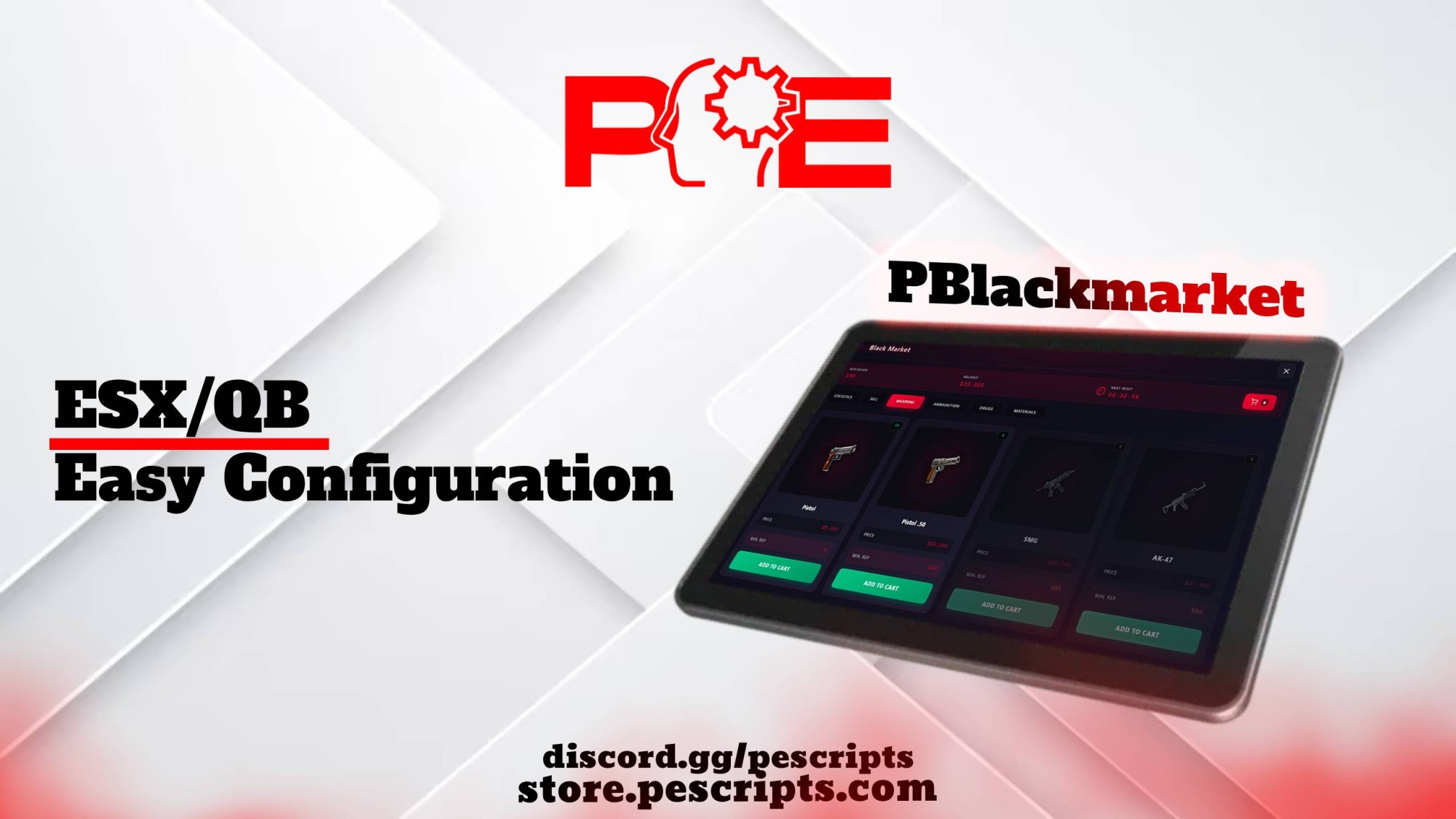
<p>PBlackMarket is a fully-featured, realistic black market system for FiveM servers.<br />
It allows players to <strong>buy, sell, and manage illegal items</strong> safely, with <strong>advanced features, logging, inventory detection, and permission systems</strong>. Perfect for any RP server looking for a fully configurable illegal market experience.</p>
<hr />
<h2>🔧 <strong>Dependencies</strong></h2>
<ul>
<li>
<p><strong>OxMySQL</strong></p>
</li>
<li>
<p><strong>ESX</strong> or <strong>QBCore</strong></p>
</li>
</ul>
<hr />
<h2>📦 <strong>Supported Inventory Systems</strong></h2>
<p>PBlackMarket is compatible with multiple inventories:</p>
<ul>
<li>
<p><strong>ox_inventory</strong></p>
</li>
<li>
<p><strong>qs-inventory (Quasar)</strong></p>
</li>
<li>
<p><strong>qb-inventory</strong></p>
</li>
<li>
<p><strong>Default ESX/QB inventory</strong></p>
</li>
<li>
<p><strong>Custom inventory via export/events</strong></p>
</li>
</ul>
<p>🔍 Automatic detection available</p>
<hr />
<h2>🔔 <strong>Supported Notification Systems</strong></h2>
<ul>
<li>
<p><strong>ESX Notifications</strong></p>
</li>
<li>
<p><strong>QB-Core Native Notifications</strong></p>
</li>
<li>
<p><strong>PNotif</strong></p>
</li>
<li>
<p><strong>Custom Event Notifications</strong></p>
</li>
</ul>
<hr />
<h2>🧰 <strong>Features</strong></h2>
<ul>
<li>
<p><strong>Clean and fully configurable Black Market system</strong></p>
</li>
<li>
<p><strong>Buy and sell</strong> weapons, drugs, ammunition, and materials</p>
</li>
<li>
<p><strong>Reputation system</strong> with configurable minimum reputation required for purchases</p>
</li>
<li>
<p><strong>Sell system</strong> with custom prices and black money percentage</p>
</li>
<li>
<p><strong>Automatic stock reset</strong> with configurable interval</p>
</li>
<li>
<p><strong>Cart & Delivery system</strong> with delivery points and vehicles</p>
</li>
<li>
<p><strong>Searchable item menu</strong></p>
</li>
<li>
<p><strong>Player identifier display</strong> (Steam, license, Discord)</p>
</li>
<li>
<p><strong>Discord webhook logging</strong> for purchases, sales, deliveries, admin actions, and reputation changes</p>
</li>
<li>
<p><strong>Customizable keybind</strong> (default E) and command (<code>/pbadmin</code>)</p>
</li>
<li>
<p>Fully <strong>translated</strong> (English/French, additional locales supported)</p>
</li>
<li>
<p><strong>Permissions system</strong> (per-group or license-based)</p>
</li>
<li>
<p>Configurable <strong>interaction system</strong>: DrawMarker, ox_target, or custom</p>
</li>
<li>
<p>Integration with <strong>ESX groups</strong> or <strong>QBCore permissions</strong></p>
</li>
</ul>
<hr />
<h2>🔐 <strong>Permissions & Access Control</strong></h2>
<p><strong>ESX:</strong></p>
<ul>
<li>
<p>Access based on <strong>admin, superadmin, or mod groups</strong></p>
</li>
<li>
<p>Custom permission checks available via Lua functions</p>
</li>
</ul>
<p><strong>QBCore:</strong></p>
<ul>
<li>
<p>License-based or internal permission checks</p>
</li>
<li>
<p>Support for <strong>admin</strong> and <strong>god</strong> permissions</p>
</li>
<li>
<p>Optional <strong>Ace Permission licenses</strong></p>
</li>
<li>
<p>Custom check function available</p>
</li>
</ul>
<hr />
<h2>⚙️ <strong>Configuration Options</strong></h2>
<ul>
<li>
<p>Framework selection: <strong>ESX / QBCore</strong></p>
</li>
<li>
<p>Inventory system: <strong>auto-detect, default, ox_inventory, Quasar, QB inventory</strong></p>
</li>
<li>
<p>Notification system: <strong>ESX, PNotif, QB, Custom</strong></p>
</li>
<li>
<p>Interaction system: <strong>DrawMarker, ox_target, Custom</strong></p>
</li>
<li>
<p>Language: <strong>fr / en / de / es / ru / zh</strong></p>
</li>
<li>
<p>Debug mode ON/OFF</p>
</li>
<li>
<p><strong>Stock reset</strong> interval and auto-reset on restart</p>
</li>
<li>
<p>Item prices, stock, and minimum reputation configurable</p>
</li>
<li>
<p><strong>Cart & delivery system</strong> settings</p>
</li>
<li>
<p>Discord webhooks configuration for <strong>all logs</strong></p>
</li>
</ul>
<hr />
<h2>🧾 <strong>Summary</strong></h2>
<p><strong>PBlackMarket</strong> is a <strong>complete, secure, and easy-to-use Black Market script</strong> for FiveM servers.<br />
It supports multiple <strong>inventories</strong>, multiple <strong>notification systems</strong>, advanced <strong>permissions</strong>, <strong>reputation</strong>, <strong>quotas</strong>, and <strong>automatic stock management</strong>.<br />
Perfect for RP servers seeking a <strong>realistic and fully configurable illegal market experience</strong>.</p>
<hr />
<h2>📘 <strong>Documentation & Support</strong></h2>
<p><strong>Documentation:</strong> <a href="https://docs.pescripts.com">Documentation</a><br />
<strong>Preview</strong>: <a href="https://www.youtube.com/watch?v=9tNq7xdlS6I">[PAID] PBlackmarket Script - FiveM ESX | QB</a></p>
PBlackmarket Script - FiveM
<p>Tags: Standalone<br />
Version: 1.0.1<br />
<br />
⭐ PNotif v2 – Advanced Standalone Notification System for FiveM</p>
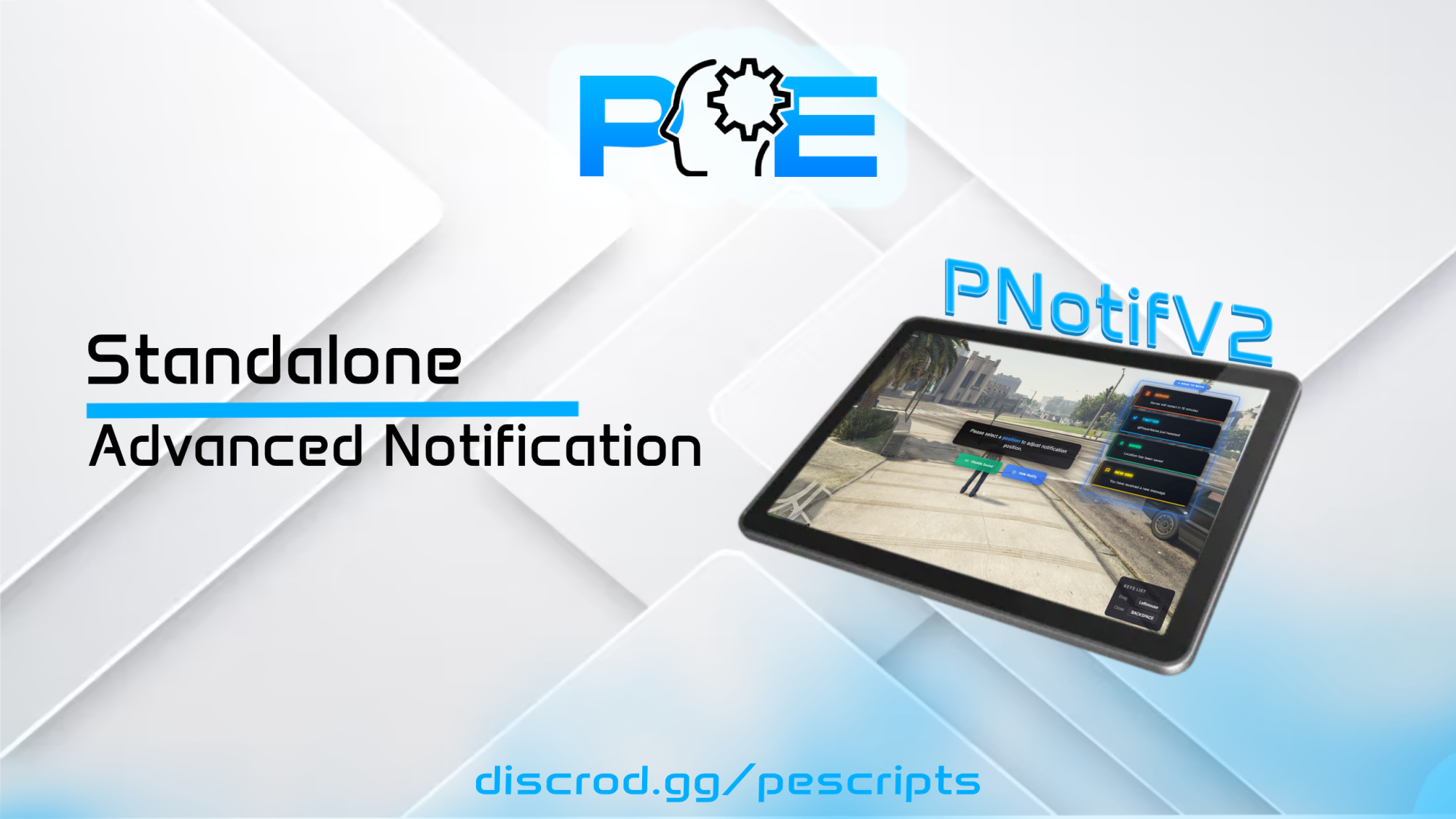
<p><strong>PNotif v2</strong> is a <strong>modern, advanced, and fully standalone</strong> notification system for FiveM.<br />
Designed for servers that demand <strong>performance, flexibility, and customization</strong>, it allows you to use ready-made notifications <strong>and easily create your own custom notification types</strong>.</p>
<hr />
<h3>🔖 Information</h3>
<ul>
<li>
<strong>Framework</strong>: ESX / QBCore / VRP / Custom / Standalone</li>
</ul>
<hr />
<h2>🚀 Main Features</h2>
<p>✔️ <strong>100% Standalone</strong> – no dependencies required<br />
✔️ <strong>Unlimited custom notification types</strong><br />
✔️ <strong>Fast & easy installation</strong><br />
✔️ <strong>Modern UI with smooth animations</strong><br />
✔️ <strong>Material Design Icons support (MDI)</strong><br />
✔️ <strong>Enable / disable notification sounds</strong><br />
✔️ <strong>Flexible screen positioning</strong><br />
✔️ <strong>Built-in notification history</strong><br />
✔️ <strong>Lightweight & optimized</strong><br />
✔️ Added <code>showHelpNotification</code> guide on docs.pescripts.com<br />
✔️ Settings panel in <code>configNotifV2</code> to allow players to configure their notifications</p>
<hr />
<h2>🎨 Advanced Notification System</h2>
<p>PNotif v2 comes with many <strong>ready-to-use notification types</strong>, and most importantly:</p>
<h3>➕ Create Your Own Notifications</h3>
<p>You can <strong>add your own custom notification types</strong> directly in the <code>config.lua</code>:</p>
<ul>
<li>
<p>Custom <strong>title</strong></p>
</li>
<li>
<p>Custom <strong>color</strong></p>
</li>
<li>
<p>Material Design <strong>icon</strong></p>
</li>
<li>
<p>Independent settings per notification type</p>
</li>
</ul>
<p>👉 Perfect for:</p>
<ul>
<li>
<p>Custom jobs</p>
</li>
<li>
<p>Gangs & organizations</p>
</li>
<li>
<p>Custom phones</p>
</li>
<li>
<p>Server-side scripts</p>
</li>
<li>
<p>Events & announcements</p>
</li>
</ul>
<p>No limits and <strong>no core edits required</strong>.</p>
<hr />
<h2>⚙️ Advanced Configuration (config.lua)</h2>
<h3>🔊 Sound</h3>
<ul>
<li>
<p>Enable or disable notification sounds</p>
</li>
<li>
<p>Simple global configuration</p>
</li>
</ul>
<h3>📍 Position</h3>
<ul>
<li>
<p>Vertical alignment: <code>top</code>, <code>center</code>, <code>bottom</code></p>
</li>
<li>
<p>Horizontal alignment: <code>left</code>, <code>center</code>, <code>right</code></p>
</li>
</ul>
<h3>📦 Management & Tools</h3>
<ul>
<li>
<p>Max simultaneous notifications</p>
</li>
<li>
<p>Configurable history size</p>
</li>
<li>
<p>Debug mode</p>
</li>
<li>
<p>Built-in commands</p>
</li>
<li>
<p>Server test commands</p>
</li>
</ul>
<h3>🌍 Locales</h3>
<ul>
<li>
<p>Integrated localization system</p>
</li>
<li>
<p>Multi-language support ready</p>
</li>
</ul>
<hr />
<h2>🚀 Perfect for Any FiveM Server</h2>
<p>Whether you're running ESX, QBCore, VRP, or a custom framework,<br />
PNotif integrates smoothly and works right out of the box.</p>
<p>Documentation : <a href="https://docs.pescripts.com/">Documentation</a></p>
<p>Preview : <a href="https://www.youtube.com/watch?v=Gv7yi5tpXz8">[PAID] PNotifV2 Script FiveM Standalone</a></p>
<p><strong>Tags:</strong> ESX, QBCore<br />
<strong>Version:</strong> 1.0.0</p>
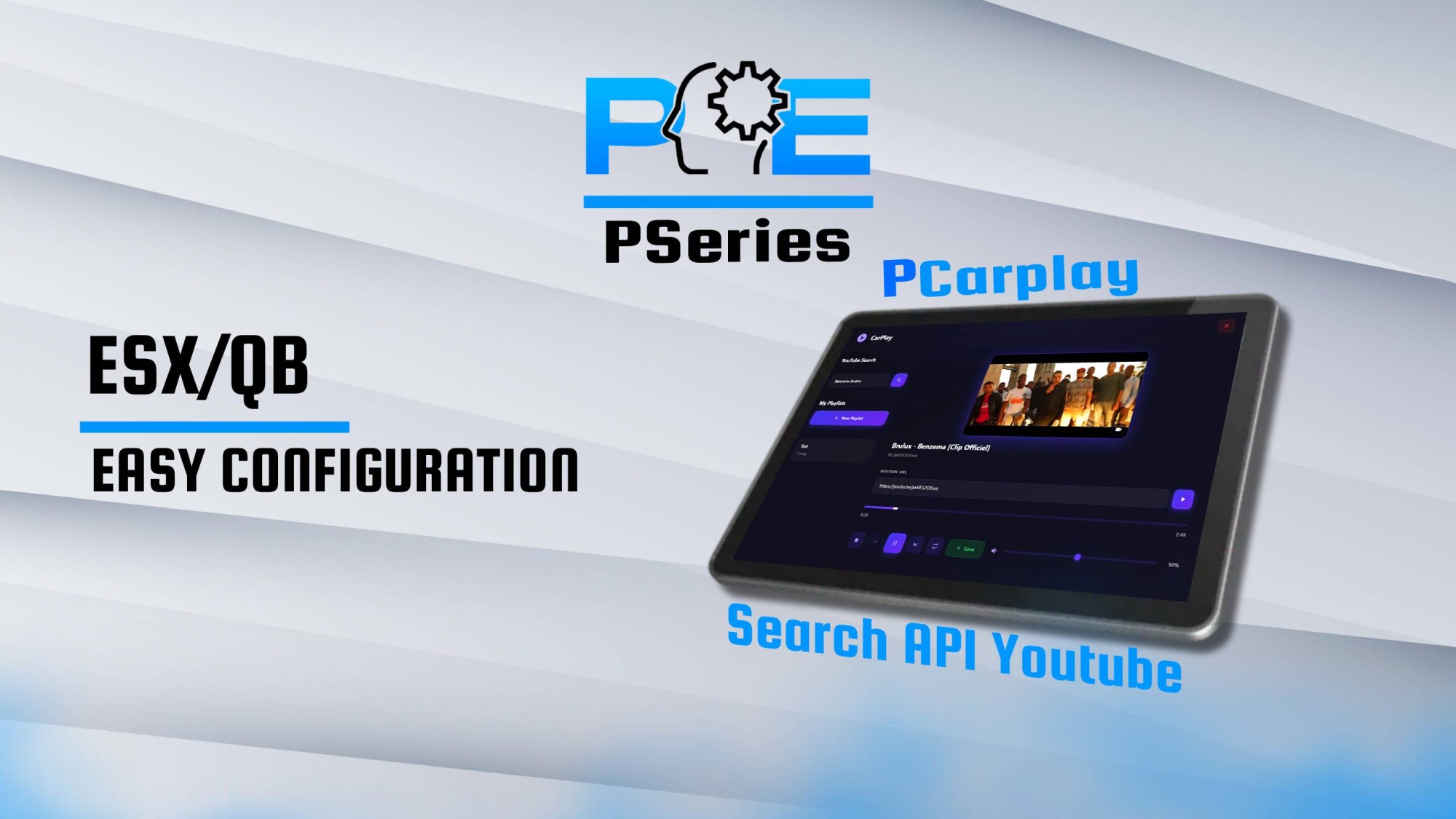
<h3>🎵 PCarPlay – Advanced In-Vehicle Music System</h3>
<p>PCarPlay is a modern, fully configurable in-vehicle music system for FiveM, compatible with ESX and QBCore frameworks.<br />
It allows players to search YouTube, manage playlists, control music playback, and share audio with passengers — all in a clean, interactive interface.</p>
<hr />
<h2>🔧 Dependencies</h2>
<ul>
<li>
<p>ESX or QBCore framework</p>
</li>
<li>
<p>oxmysql (database support)</p>
</li>
<li>
<p>xsound</p>
</li>
</ul>
<hr />
<h2>📦 Supported Features</h2>
<ul>
<li>
<p>YouTube search integration</p>
</li>
<li>
<p>Playlist creation, management & deletion</p>
</li>
<li>
<p>Manual song addition via URL</p>
</li>
<li>
<p>Automatic metadata retrieval (title, artist, thumbnail)</p>
</li>
<li>
<p>Real-time music sync in vehicles</p>
</li>
<li>
<p>Volume control with distance-based fading</p>
</li>
<li>
<p>Fully responsive dark-mode interface (1200x700px)</p>
</li>
</ul>
<hr />
<h2>🔔 Supported Notification Systems</h2>
<ul>
<li>
<p>ESX Notifications</p>
</li>
<li>
<p>QB Notifications</p>
</li>
<li>
<p>PNotif</p>
</li>
<li>
<p>Fully custom notification support via events</p>
</li>
</ul>
<hr />
<h2>🧰 Key Features</h2>
<ul>
<li>
<p>Modern and intuitive CarPlay interface</p>
</li>
<li>
<p>Complete playlist system: add, remove, save songs</p>
</li>
<li>
<p>Interactive music player: play, pause, stop, loop, seek</p>
</li>
<li>
<p>Real-time progress bar updates (every 0.5 seconds)</p>
</li>
<li>
<p>Display of song metadata: title, video ID, thumbnail</p>
</li>
<li>
<p>Automatic YouTube thumbnail fetching</p>
</li>
<li>
<p>Persistent playlists with oxmysql support</p>
</li>
<li>
<p>Player-specific playlists with multi-user support</p>
</li>
<li>
<p>Configurable audio settings: volume, distance fade, max distance</p>
</li>
<li>
<p>Customizable keybinds & command (/carplay)</p>
</li>
<li>
<p>Fully translated: EN / FR / DE / ES / RU / ZH</p>
</li>
<li>
<p>Debug mode for admins</p>
</li>
</ul>
<hr />
<h2>⚙️ Configuration Options</h2>
<ul>
<li>
<p>Framework selection: ESX / QBCore</p>
</li>
<li>
<p>Debug mode: ON / OFF</p>
</li>
<li>
<p>Command configuration: /carplay</p>
</li>
<li>
<p>Notification system selection</p>
</li>
<li>
<p>Audio settings: max distance, volume min/max, fade distance</p>
</li>
<li>
<p>UI customization: position, visibility</p>
</li>
<li>
<p>Locale / language selection: FR / EN / DE / ES / RU / ZH</p>
</li>
<li>
<p>ESX / QBCore resource names</p>
</li>
</ul>
<hr />
<h2>📝 Summary</h2>
<p>PCarPlay is a complete, modern, and fully configurable in-vehicle music system for FiveM.<br />
It provides RP servers with a clean, professional, and interactive way to manage playlists and share audio in vehicles.</p>
<hr />
<h2>📘 Documentation & Support</h2>
<p>📄 Documentation: <a href="https://docs.pescripts.com/">https://docs.pescripts.com/</a><br />
🎥 Preview: <strong><a href="https://www.youtube.com/watch?v=q-mrM9jnMog">[PAID] PCarplay Script - FiveM ESX | QB</a></strong></p>
<p>Tags: ESX, QBCore<br />
Version: 1.0.1<br />
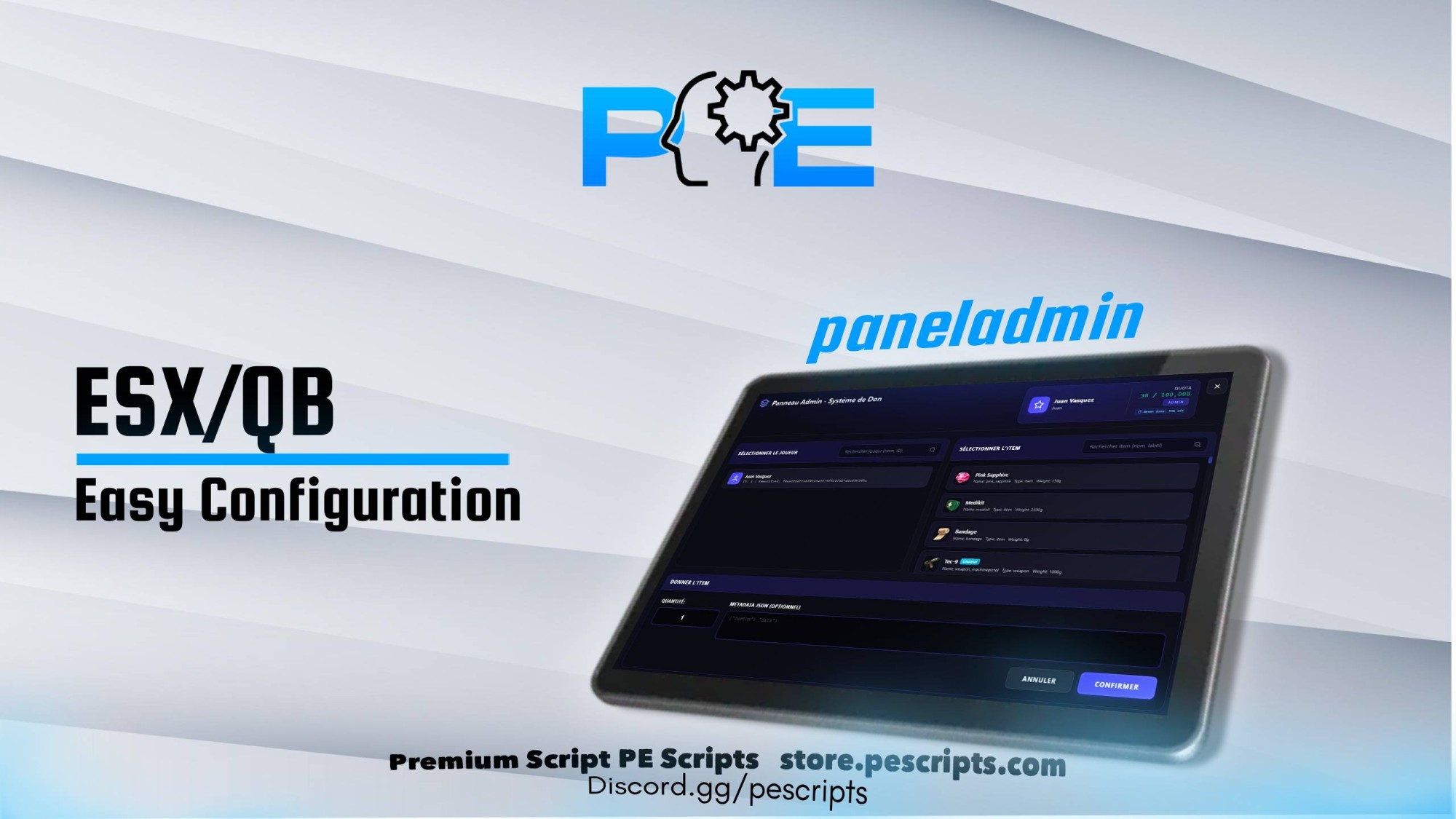
<strong>PPanelAdmin</strong> is an advanced administration panel that allows staff to <strong>give items</strong> to players quickly, safely, and fully configurable.<br />
It includes a complete permission system, logging, quantity limits per group, inventory auto-detection, and notification system support.</p>
<hr />
<h2>🔧 <strong>Dependencies</strong></h2>
<ul>
<li>
<p><strong>OxMySQL or mysql-async</strong></p>
</li>
<li>
<p><strong>ESX</strong> or <strong>QBCore</strong></p>
</li>
</ul>
<hr />
<h2>📦 <strong>Supported Inventory Systems</strong></h2>
<p>PPanelAdmin automatically supports many inventory systems:</p>
<ul>
<li>
<p><strong>ox_inventory</strong></p>
</li>
<li>
<p><strong>qs-inventory</strong> (Quasar)</p>
</li>
<li>
<p><strong>qb-inventory</strong></p>
</li>
<li>
<p><strong>Default ESX/QB inventory</strong></p>
</li>
<li>
<p><strong>Custom inventory</strong> via event</p>
</li>
<li>
<p>🔍 <em>Automatic detection available</em></p>
</li>
</ul>
<hr />
<h2>🔔 <strong>Supported Notification Systems</strong></h2>
<ul>
<li>
<p><strong>ESX Notifications</strong></p>
</li>
<li>
<p><strong>QB Notifications</strong></p>
</li>
<li>
<p><strong>PNotif</strong></p>
</li>
<li>
<p><strong>Custom Event</strong> (<code>admin:notify</code>)</p>
</li>
</ul>
<hr />
<h2>🧰 <strong>Features</strong></h2>
<ul>
<li>
<p>Clean and fast admin panel to give items</p>
</li>
<li>
<p>Search system (toggleable, min chars configurable)</p>
</li>
<li>
<p>Metadata support (with permission control)</p>
</li>
<li>
<p>Item restrictions / blacklist</p>
</li>
<li>
<p>Per-group or per-license quantity limits</p>
</li>
<li>
<p>Display of player ID and identifiers</p>
</li>
<li>
<p>Discord logs with webhook</p>
</li>
<li>
<p>Automatic quota reset (configurable)</p>
</li>
<li>
<p>Customizable keybind (F5, F6, etc.)</p>
</li>
<li>
<p>Configurable command (<code>/ppadmin</code>)</p>
</li>
<li>
<p>Fully translated (English/French)</p>
</li>
</ul>
<hr />
<h2>🔐 <strong>Integrated Permission System</strong></h2>
<ul>
<li>
<p>ESX groups (admin, superadmin, mod…)</p>
</li>
<li>
<p>QBCore license-based permissions</p>
</li>
<li>
<p>Identifier-specific permissions</p>
</li>
<li>
<p>Item restrictions</p>
</li>
<li>
<p>Metadata editing permission groups</p>
</li>
<li>
<p>Custom max amount per rank/license</p>
</li>
</ul>
<hr />
<h2>⚙️ <strong>Configuration Options</strong></h2>
<ul>
<li>
<p>Framework selection (ESX/QBCore)</p>
</li>
<li>
<p>Language: fr/en and more</p>
</li>
<li>
<p>Debug mode</p>
</li>
<li>
<p>Logs ON/OFF</p>
</li>
<li>
<p>Auto or manual inventory selection</p>
</li>
<li>
<p>Item images path (Quasar, ox, qb and more compatible)</p>
</li>
<li>
<p>Quota system settings</p>
</li>
</ul>
<p>The configuration file you provided contains all settings required.</p>
<hr />
<h1>🧾 <strong>Summary</strong></h1>
<p>PPanelAdmin is a complete, secure and easy-to-use admin item-giving panel, supporting multiple inventories, multiple notification systems, advanced permissions, quotas, and logs.<br />
Perfect for any RP server needing a clean and safe give system.</p>
<hr />
<h2>📘 <strong>Documentation & Support</strong></h2>
<p>Documentation: <a href="https://docs.pescripts.com/">Documentation</a><br />
Preview: <a href="https://www.youtube.com/watch?v=Sj_T8vN4Znc">[PAID] PPanelAdmin Script - FiveM ESX | QB</a></p>
PPanelAdmin Script - FiveM
<p>Tags: Standalone<br />
Version: 1.0.1<br />
<br />
⭐ <strong>PNotif – Standalone Notification System for FiveM</strong></p>
<p>Introducing <strong>PNotif</strong>, a modern and fully standalone notification system designed for FiveM.<br />
Easy to install, simple to configure, and compatible with <strong>any framework</strong> — or even <strong>no framework at all</strong>.</p>
<p>Perfect for servers looking to add clean, animated, and customizable notifications.</p>
<hr />
<h2>🔧 <strong>Main Features</strong></h2>
<p>✔️ <strong>Standalone system</strong> – works with any FiveM setup<br />
✔️ <strong>Fast & simple installation</strong><br />
✔️ <strong>Modern notification design</strong><br />
✔️ <strong>Custom colors & icons</strong> (Material Design Icons)<br />
✔️ <strong>Configurable sound effects</strong><br />
✔️ <strong>Flexible screen positioning</strong><br />
✔️ <strong>Lightweight & optimized</strong></p>
<hr />
<h2>🎨 <strong>Built-in Notification Types</strong></h2>
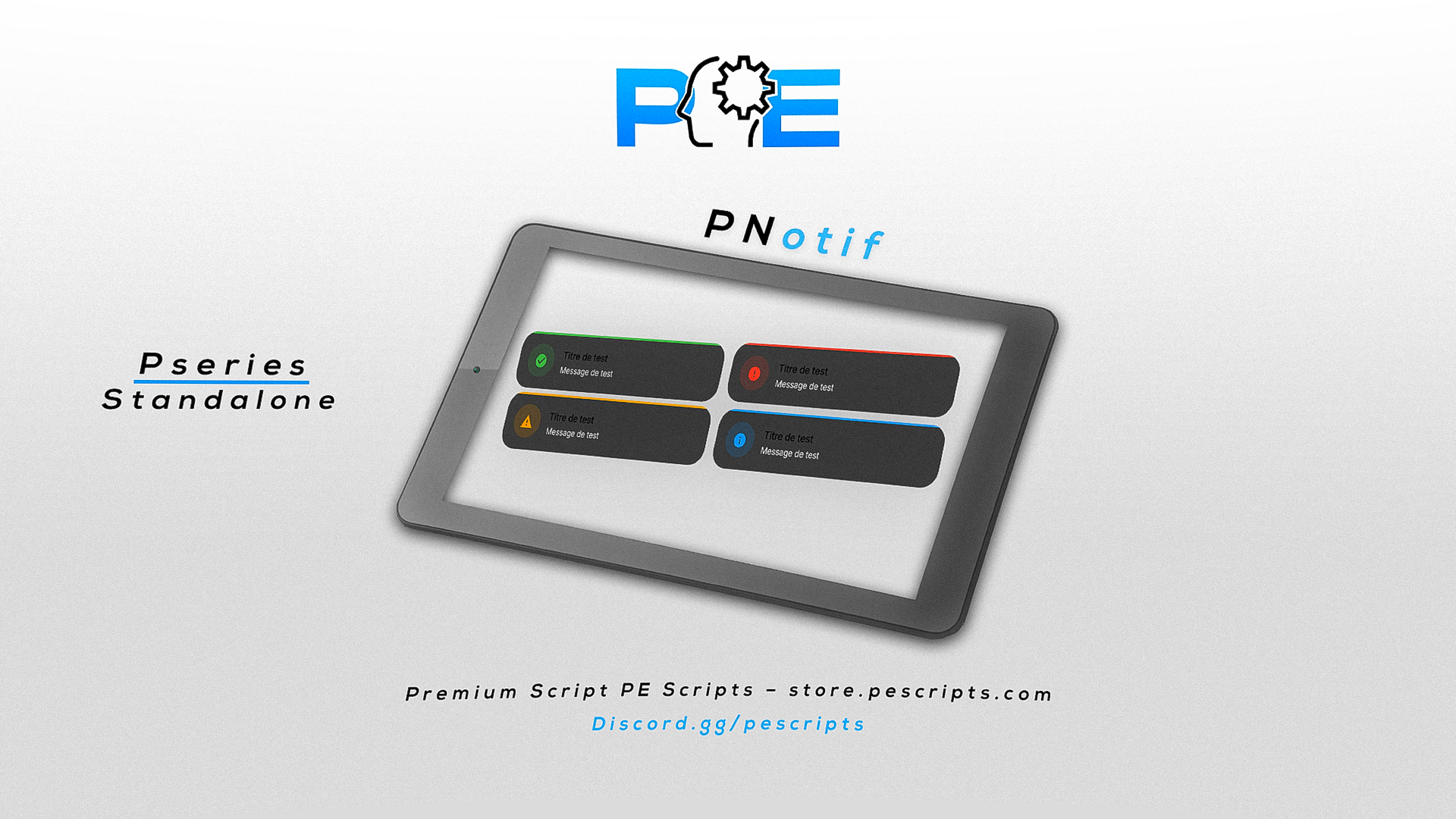
<p>PNotif includes 4 ready-to-use notification styles:</p>
<p>🟢 <strong>Success</strong> – for confirmations<br />
🔴 <strong>Error</strong> – for issues or failures<br />
🟠 <strong>Warning</strong> – for alerts<br />
🔵 <strong>Info</strong> – for general information</p>
<p>Each type can be fully customized (color, icon, etc.).</p>
<hr />
<h2>⚙️ <strong>Configurable Options (config.lua)</strong></h2>
<p>💠 <strong>Background Style</strong></p>
<ul>
<li>Custom RGBA background color</li>
</ul>
<p>🔊 <strong>Sound Toggle</strong></p>
<ul>
<li>Enable or disable notification sounds</li>
</ul>
<p>📍 <strong>Position Settings</strong></p>
<ul>
<li>
<p>Vertical alignment: <code>top</code>, <code>center</code>, <code>bottom</code></p>
</li>
<li>
<p>Horizontal alignment: <code>left</code>, <code>right</code>, <code>center</code></p>
</li>
</ul>
<p>🎨 <strong>Per-Type Customization</strong></p>
<ul>
<li>
<p>Unique colors</p>
</li>
<li>
<p>Material Design icons</p>
</li>
<li>
<p>Independent settings for each notification type</p>
</li>
</ul>
<hr />
<h2>🚀 <strong>Perfect for Any FiveM Server</strong></h2>
<p>Whether you're running ESX, QBCore, VRP, or a custom framework,<br />
PNotif integrates smoothly and works right out of the box.</p>
<p>Documentation : https://docs.pescripts.com/</p>
<p>Preview : <a href="https://www.youtube.com/watch?v=1y1_u8W1Cf8">[PAID] PNotif Script FiveM PESCRIPTS</a></p>
<p><strong>Tags:</strong> ESX, QBCore<br />
<strong>Version:</strong> 1.0.4</p>
<h3>The Ultimate Locker System for FiveM | ESX & QBCore Compatible</h3>
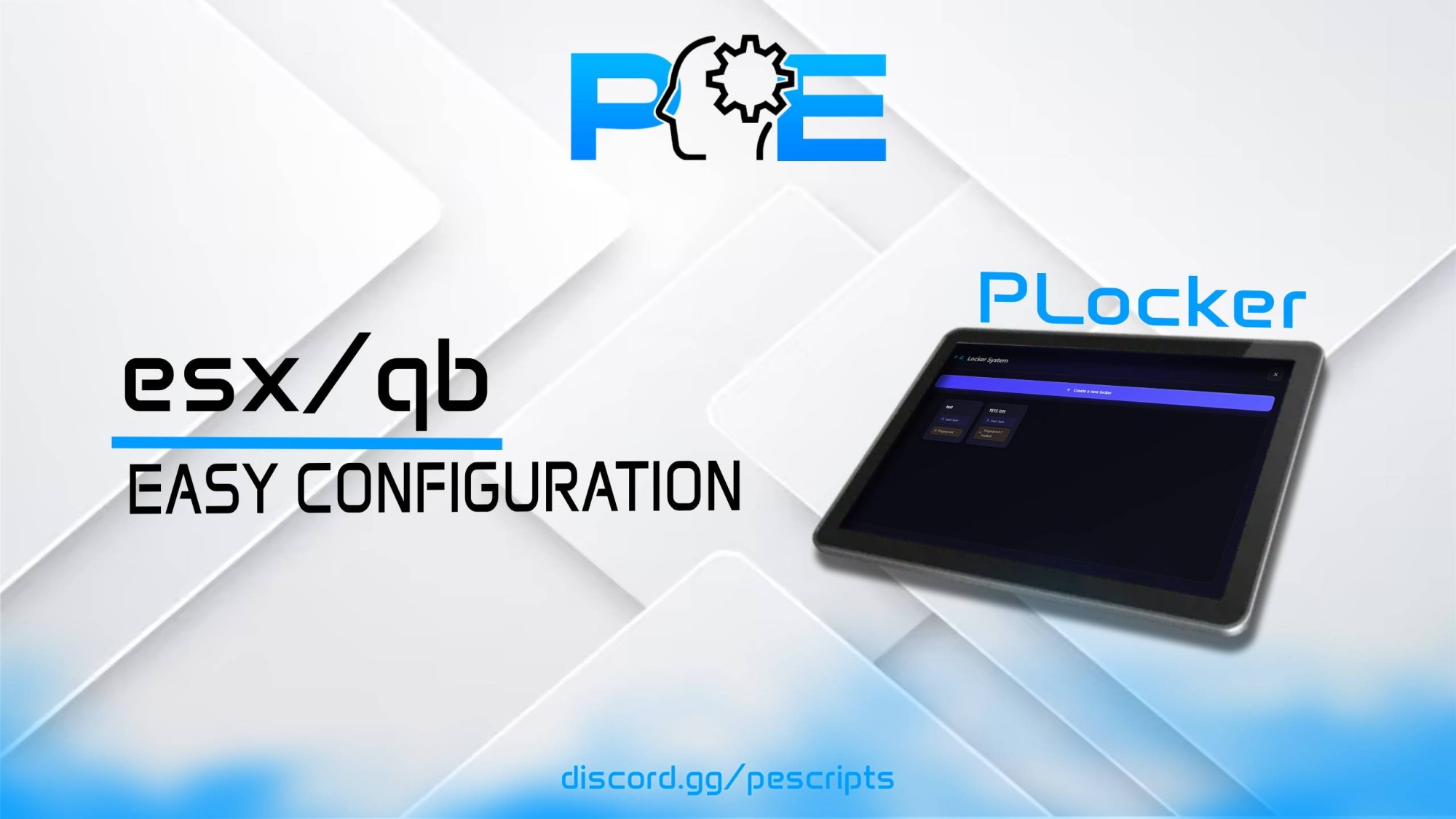
<p>PLocker is a powerful, optimized, and fully configurable locker system for FiveM servers.<br />
It allows players to securely store items with advanced access control, biometric security, and full compatibility with multiple frameworks and inventory systems.<br />
Perfect for RP servers needing faction lockers, evidence rooms, gang stashes, or personal storage.</p>
<hr />
<h2>✨ Key Features</h2>
<h3>🔐 Locker Management</h3>
<ul>
<li>
<p>In-game locker creation, editing, and deletion</p>
</li>
<li>
<p>Built-in admin panel</p>
</li>
<li>
<p>Maximum control with full configuration support</p>
</li>
</ul>
<h3>🎮 Interaction Systems</h3>
<ul>
<li>
<p>DrawMarker</p>
</li>
<li>
<p>ox_target</p>
</li>
<li>
<p>Custom interaction event support</p>
</li>
</ul>
<h3>📝 Visual & UI Customization</h3>
<ul>
<li>
<p>3D / 2D text prompts</p>
</li>
<li>
<p>Fully customizable color, scale, and position</p>
</li>
<li>
<p>Toggle text display ON / OFF</p>
</li>
<li>
<p>Custom keybind (default: <strong>E / Key 38</strong>)</p>
</li>
</ul>
<h3>👔 Access Control</h3>
<ul>
<li>
<p>Job-restricted lockers</p>
</li>
<li>
<p>Only specific roles can access selected lockers</p>
</li>
<li>
<p>Ideal for factions, police, gangs, and businesses</p>
</li>
</ul>
<hr />
<h2>🔐 Biometric Fingerprint Security</h2>
<ul>
<li>
<p>Fingerprint registration during locker creation</p>
</li>
<li>
<p>Fingerprint verification required to open lockers</p>
</li>
<li>
<p>Enhanced security for sensitive storage</p>
</li>
</ul>
<hr />
<h2>📦 Inventory Compatibility</h2>
<p>PLocker supports multiple inventory systems:</p>
<ul>
<li>
<p>ox_inventory</p>
</li>
<li>
<p>Quasar Inventory</p>
</li>
<li>
<p>qb-inventory</p>
</li>
<li>
<p>Native ESX inventory</p>
</li>
</ul>
<p>🔍 Automatic compatibility handling<br />
🧩 Easy integration with custom inventories</p>
<hr />
<h2>🔔 Notification Systems</h2>
<ul>
<li>
<p>ESX Notifications</p>
</li>
<li>
<p>PNotif</p>
</li>
<li>
<p>Fully custom notification system via events</p>
</li>
</ul>
<hr />
<h2>⚙️ Configurable Settings</h2>
<ul>
<li>
<p>Maximum lockers: <code>Config.MaxLockers</code></p>
</li>
<li>
<p>Slots per locker: <code>Config.MaxSlotsPerLocker</code></p>
</li>
<li>
<p>Weight capacity: <code>Config.MaxWeightPerLocker</code></p>
</li>
<li>
<p>Interaction distance: <code>Config.InteractionDistance</code></p>
</li>
<li>
<p>Marker draw distance: <code>Config.MarkerDrawDistance</code></p>
</li>
<li>
<p>Marker type, size, and RGBA color</p>
</li>
<li>
<p>Enable / Disable 3D text</p>
</li>
<li>
<p>Custom ESX resource name (for modified frameworks)</p>
</li>
<li>
<p>Debug mode with console prints</p>
</li>
</ul>
<hr />
<h2>🌍 Multi-Language Support</h2>
<ul>
<li>
<p>English</p>
</li>
<li>
<p>French</p>
</li>
<li>
<p>German</p>
</li>
<li>
<p>Spanish</p>
</li>
<li>
<p>Russian</p>
</li>
<li>
<p>Chinese</p>
</li>
</ul>
<p>➕ Easy to add new languages</p>
<hr />
<h2>📡 Discord Webhook Logs</h2>
<p>PLocker includes a full Discord logging system with color-coded embeds:</p>
<ul>
<li>
<p>✅ Locker created</p>
</li>
<li>
<p>❌ Locker deleted</p>
</li>
<li>
<p>✏️ Locker updated</p>
</li>
<li>
<p>📥 Item deposited</p>
</li>
<li>
<p>📤 Item withdrawn</p>
</li>
</ul>
<p>🔧 Each log can be enabled or disabled individually</p>
<hr />
<h2>🧩 Compatibility & Dependencies</h2>
<p><strong>Frameworks:</strong></p>
<ul>
<li>
<p>ESX</p>
</li>
<li>
<p>QBCore</p>
</li>
</ul>
<p><strong>Dependency:</strong></p>
<ul>
<li>oxmysql or mysql-async</li>
</ul>
<hr />
<h2>📦 Installation & Support</h2>
<ul>
<li>
<p>Resource ready to install</p>
</li>
<li>
<p>Clean, optimized, and developer-friendly code</p>
</li>
<li>
<p>Full configuration guide included</p>
</li>
<li>
<p>Easy integration with any inventory system</p>
</li>
</ul>
<hr />
<h2>📝 Summary</h2>
<p>PLocker provides a complete, secure, and professional locker system for FiveM servers.<br />
With biometric security, job-based access, inventory compatibility, and full admin control, it is the perfect solution for advanced RP storage needs.</p>
<hr />
<h2>📘 Documentation & Preview</h2>
<p>📄 Documentation: <a href="https://docs.pescripts.com">Documentation</a><br />
🎥 Preview: <strong><a href="https://www.youtube.com/watch?v=K6YhyVkzFu8">[PAID] PLocker Script – FiveM</a></strong></p>
<p>Tags: ESX, QBCore, <br />
Version: 1.0.0<br />
<br />
The <strong>PDrag/Carry Script</strong> is a FiveM script that allows players to <strong>carry or drag other players</strong>, alive or dead, in an immersive and fully configurable way.</p>
<h3><strong>Key Features:</strong></h3>
<ul>
<li>
<p>🎮 <strong>Carry or drag nearby players</strong> using a command or assignable trigger</p>
</li>
<li>
<p>⚡ <strong>Intuitive control</strong> with accept/deny and cancel options via configurable keys</p>
</li>
<li>
<p>📝 <strong>Configurable 2D text display</strong> to guide the player (position, color, scale)</p>
</li>
<li>
<p>🔔 <strong>Custom notifications</strong> for each action: accepted, rejected, no player nearby, not enough strength</p>
</li>
<li>
<p>🛠 <strong>Test mode</strong> for easy script testing</p>
</li>
<li>
<p>⚙️ <strong>Simple configuration</strong> via the Config.lua file</p>
</li>
</ul>
<h3><strong>Configurable Settings:</strong></h3>
<ul>
<li>
<p>Command to carry players: <code>Config.Command</code></p>
</li>
<li>
<p>Maximum distance to carry a player: <code>Config.DistanceFromPed</code></p>
</li>
<li>
<p>2D text and notifications fully customizable</p>
</li>
<li>
<p>Test mode and optional reload-on-death</p>
</li>
</ul>
<h3><strong>Compatibility & Dependencies:</strong></h3>
<ul>
<li>
<p><strong>Standalone</strong></p>
</li>
<li>
<p>Compatible with all FiveM servers using ESX</p>
</li>
</ul>
<h3><strong>Support & Delivery:</strong></h3>
<ul>
<li>
<p>Ready-to-install resource</p>
</li>
<li>
<p>Full configuration guide included</p>
</li>
</ul>
<p><strong>Summary:</strong><br />
With the <strong>PDrag/Carry Script</strong>, your players can realistically carry or drag other players, with customizable messages and controls. Perfect for RP servers looking to enhance player interactions.</p>
<p>Documentation : https://docs.pescripts.com/</p>
<p>Preview : <a href="https://www.youtube.com/watch?v=wcibfaxMnQ0">[PAID] PDrag Script FiveM PESCRIPTS</a></p>
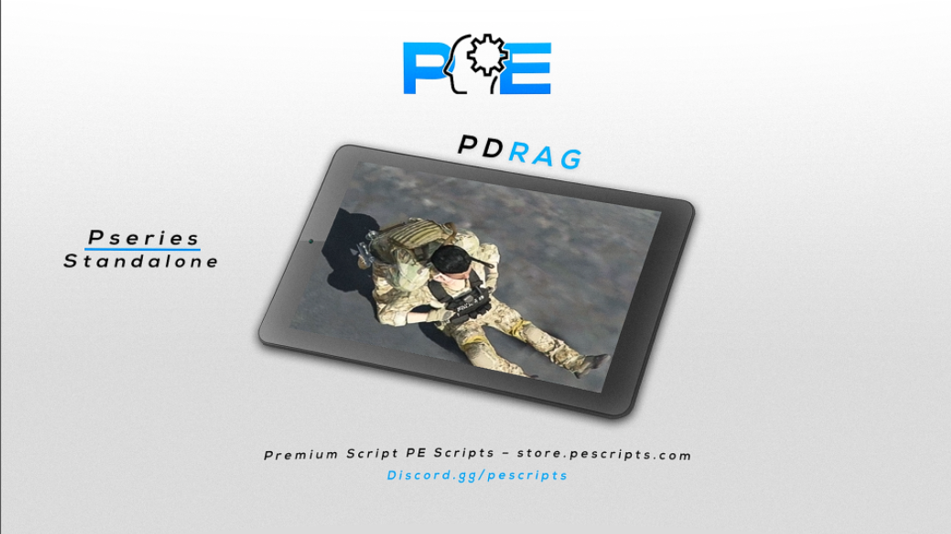
PDrag/Carry Script - FiveM

